
How to Get Court Records
Meeker County District Court Administration keeps the case files for the whole county. Civil, criminal, family, probate, juvenile, conciliation, and traffic matters all sit in one place. The fastest free look at a docket is Minnesota Court Records Online (MCRO). The Register of Actions and any public images can be viewed there at no charge. One catch: MCRO will not give you a certified copy of anything.
So how do you get one? A few routes work. You can search MCRO from home. Or use the public terminal or counter at the courthouse. Or mail in a written request. Phone and fax work for confirmation. The court's official contact page also permits plain nonconfidential delivery. A party can eFile a request straight into an existing case.
- Find the complete case number in MCRO, a notice, citation, order, or an earlier copy. Without a number, collect the parties' names, case type, approximate filing date, and county.
- Use MCRO Document Search to check the available document list. Record the document title, filing date, Case Event, and Document Index Number before asking for a copy.
- Choose the route: inspect or request at Court Administration, mail a statewide form or letter, call or fax to confirm procedure, or use eFS if the request is being filed into the case. The public terminal can be useful when remote access is narrower.
- State whether the request is plain, certified, or exemplified, give a delivery address and contact information, and include payment for certified or exemplified material unless a judge's fee-waiver order applies.
- For a sealed or confidential item, stop the ordinary request process and use the access route described below. Court staff copy a restricted record only after the authorized review or order.
Note: Court Administration can confirm where a case routes if you call, though staff will not read restricted content over the phone.
Find the Meeker Court Record Event First
Pin down the case event before you ask for anything. That step separates a missing online image from a missing case. In MCRO Case Details, the Case Events list is the chronological record, and it usually gives an event description, a document reference, and sometimes a View Document link. To search a known file, open Document Search. Type the complete number. Then select Find Documents. Jot down the item name, date, and index number. An event can stay visible even when its PDF is unavailable remotely.
The Minnesota copy-request forms index shows the statewide request path Meeker uses. It replaces a county-specific form. It lists the information Court Administration needs from you.
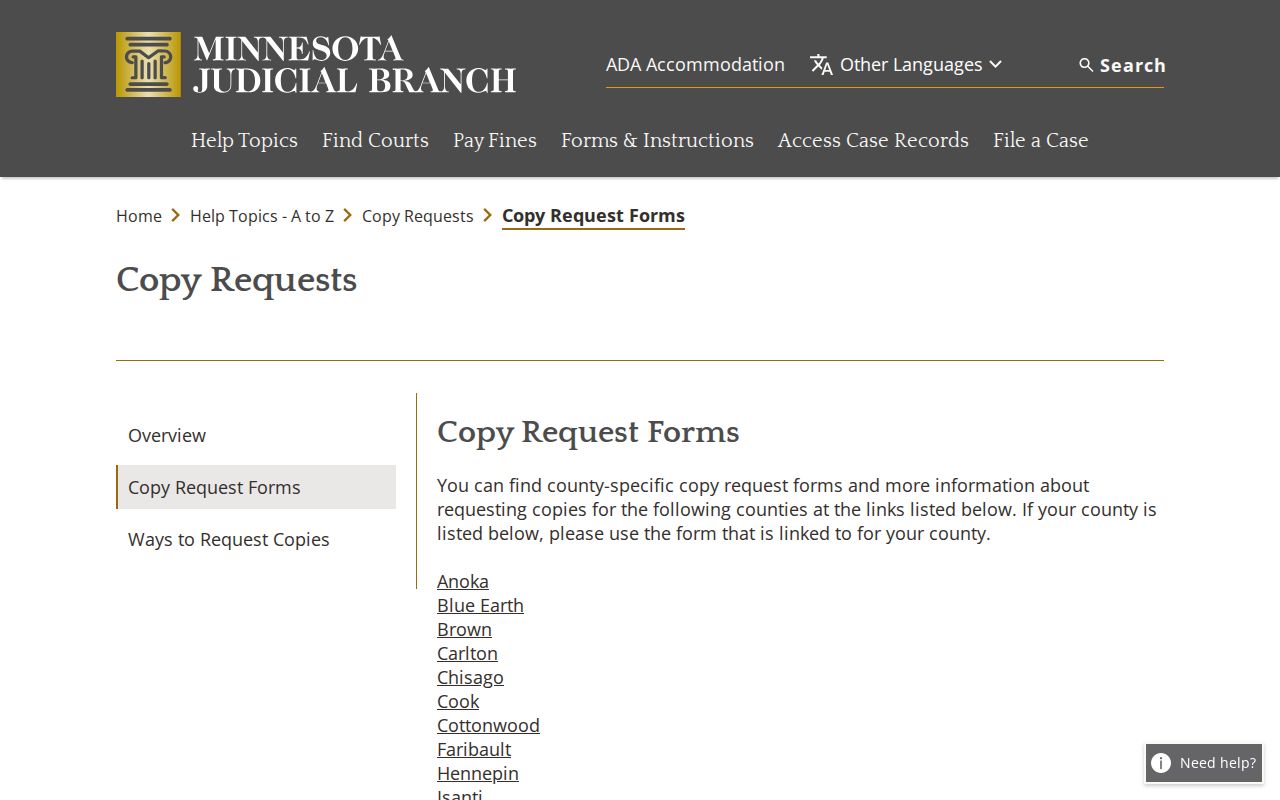
Give staff the case event and document index in your Meeker County court records request. That detail lets them pull a specific filing rather than puzzle over a broad request for an entire file.
Types of Court Records
The court file sits behind the public register. Court Administration keeps the records for the District Court divisions. A sheriff or city police department may have started a citation or complaint. It cannot certify the court's Register of Actions. What you can see publicly depends on the case type, the document, and its age. The access rule that applies matters too.
- Register of Actions and Case Events, which identify the chronology and available document references.
- Filed pleadings, motions, answers, orders, and judgments when a public document image or clerk copy is available.
- Hearing entries and court-calendar information, including scheduled settings and later case events.
- Criminal, civil, family, probate, conciliation, juvenile, and traffic case records subject to their access limits.
- Certified or exemplified copies issued by Court Administration when an authenticated court copy is needed.
Meeker Court Records Request Fields
Meeker has no separately linked county request PDF. A statewide form or a detailed letter is the documented fallback. The fields below reflect what a working request needs. The visual order of any current form may differ. Include enough identifying information for Court Administration to locate the exact public record. Name the copy type you want too.
| Request field | What to provide |
|---|---|
| Requester and delivery details | Name, phone, mailing address, city/state/ZIP, and email or fax when permitted. |
| Case locator | Meeker County, court file number, parties, case type, and an approximate filing date if needed. |
| Specific record | Document title or description, plus filing date, Case Event, or Document Index Number when known. |
| Copy and delivery choice | Plain, certified, exemplified, number of copies, and pickup, mail, permitted email/fax, or accepted carrier. |
| Access support | Fee-waiver order information or the authority/order required for confidential or sealed material. |
Minnesota's copy-request instructions lay out the request routes that support the statewide fallback. They also clarify that eFS is a filing route for a party, not an anonymous public download.
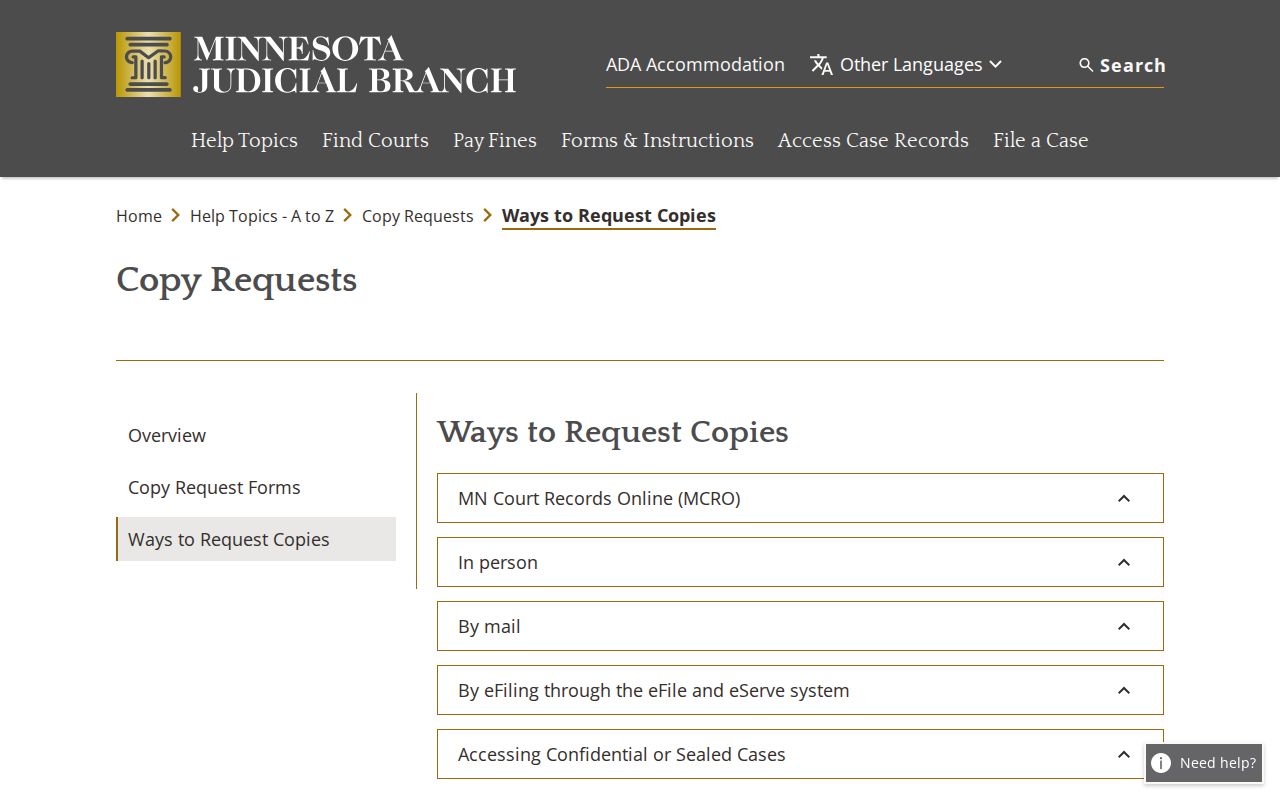
A complete request hands the Meeker court records custodian a usable file locator. It also keeps you from treating email, fax, or eFS as a guaranteed substitute for a permitted copy method.
What a Court Record Contains
MCRO Case Details lays out a public case in sections. Expect a header, parties, and claims or charges. Case Events, hearings, disposition or judgment, and financial information round it out. A record entry is not always the complete document. Likewise, an online image is not a certified copy. Meeker case numbers carry a county prefix and a case-type code. The notice or portal record is the source for the complete number.
| Case number | A court-assigned identifier such as 47-CV-... or 47-CR-...; use the exact number shown on the notice or MCRO. |
|---|---|
| Case header | Case title, type, date filed, Meeker court location, judicial officer, status, citation number where applicable, and public flags. |
| Parties and claims | Party roles, attorney information, claims or charges, subject to protected-field limits and the public access rules. |
| Case Events | Chronological activity with event descriptions, document references, and a Document Index Number or View Document control when available. |
| Hearings and outcome | Past or scheduled hearing information, disposition, judgment details, and financial fields as the public system displays them. |
Meeker Court Records Copy Types
Plain, certified, and exemplified copies are three different products. A free MCRO image or an ordinary clerk printout works fine for reviewing a public filing, but neither carries court certification. A certified copy is the clerk-issued authenticated version. An exemplified copy adds another layer of authentication, and the Meeker fee lookup lists a different amount for it depending on whether it comes paired with certification.
- Plain copy
- An ordinary public copy or printout. The listed Meeker ordinary instrument and imaged/e-filed printout categories are $0.
- Certified copy
- A court-issued copy with the certification required when an official recipient needs an authenticated court record.
- Exemplified copy
- An additional authentication format that can be paired with either a certified or uncertified copy under the Meeker schedule.
- Remote image
- A free MCRO document view when available. It may be redacted, incomplete, or unavailable for older and restricted material.
Most in-person requests wrap up the same day if the file is on site. Off-site storage can slow delivery. So bring the case number and an exact document description even after you found the public case record online.
Certified Copies and Fees
The Meeker court fee lookup is the live source for the current schedule. The table below preserves the copy and report amounts. Public-terminal inspection, email delivery, expedited service, and retrieval of an entire file carry no separate listed Meeker price.
| Item | Amount |
|---|---|
| Uncertified copy of any instrument | $0 |
| Uncertified printout of imaged or e-filed document | $0 |
| Certified copy of any civil or criminal instrument | $14 per instrument |
| Certified printout of imaged or e-filed document | $14 |
| Certified scan, picture file, or screen print | $14 |
| Exemplified plus certified copy | $28 |
| Exemplified plus uncertified copy | $14 |
| Case-management report, 1 to 50 pages | $5 per report |
| Case-management report, more than 50 pages | $25 per 50 pages or part |
| Scanning | $25 per 50 pages or part |
| Fax | $25 per 50 pages or part |
| Certified judgment search | $5 per name |
| Transcript of judgment docketed or issued | $40 |
Meeker County District Court Administration
Meeker County Courthouse
325 Sibley Avenue N., Litchfield, MN 55355
(320) 535-6015
Make checks or money orders payable to District Court Administrator for certified or exemplified requests. Qualifying in-person certified or exemplified requests may also be paid by credit card.
Older Meeker Court Records and Missing PDFs
MCRO is a public-access layer, not a promise that every document is digitized. Documents filed before July 1, 2015 have limited online availability. Older paper files may need courthouse handling. So may exhibits, medical material, and some documents marked by access rules. A missing View Document link does not by itself mean a record is sealed.
The Minnesota Judicial Branch eFile and eServe system handles filing and service. It is not a public docket search. A public filing accepted through eFS may show up later in MCRO. Charging documents include citations and criminal complaints. They are not supplied as public eFS records.
Older Meeker County files live at the courthouse, not online. Go to the counter or a terminal and ask whether the file is on site. If no public image exists, file a focused copy request instead.
Public Access and Sealed Records
Minnesota judicial access rules control who sees a Meeker County court record. It is not a generic county-data request. Rule 8 separates inspection from copying and remote access from courthouse access. The same file can look different in each setting. A public internet view may hide protected fields. It may also hide a document you could open at a courthouse terminal. Rule 4 and case-specific orders lock down certain record types. Juvenile and expungement laws impose limits of their own.
Key Rules:
Minnesota Rules of Public Access, Rule 8 governs inspection, copying, registers, calendars, remote access, redaction, and authorized fees for judicial records.
Minnesota Rules of Public Access, Rule 4 identifies records and case types that are not available to the public, including protected material and records restricted by order.
Minn. Stat. §13.03 supplies Minnesota's general inspection and copying baseline, while the county policy directs court-record requests to the judicial rules.
Minn. Stat. ch. 609A is the expungement and sealing framework; the current court order controls a particular record.
CON101 for Restricted Meeker Court Records
Three things get confused: a confidential record, a sealed record, and a redacted public copy. They are not the same. Are you a named party in a confidential but non-sealed matter? Court Administration may be able to verify your identity. A nonparty asking for confidential material, or anyone asking for sealed material, must file the statewide CON101 access request. CON100 spells out the supporting-order or authority instructions that go with it. Filing the request triggers judicial review. It does not promise access. When the ordinary copy route cannot lawfully hand over the document, the official CON101 confidential-record request is the form that page provides for that situation.
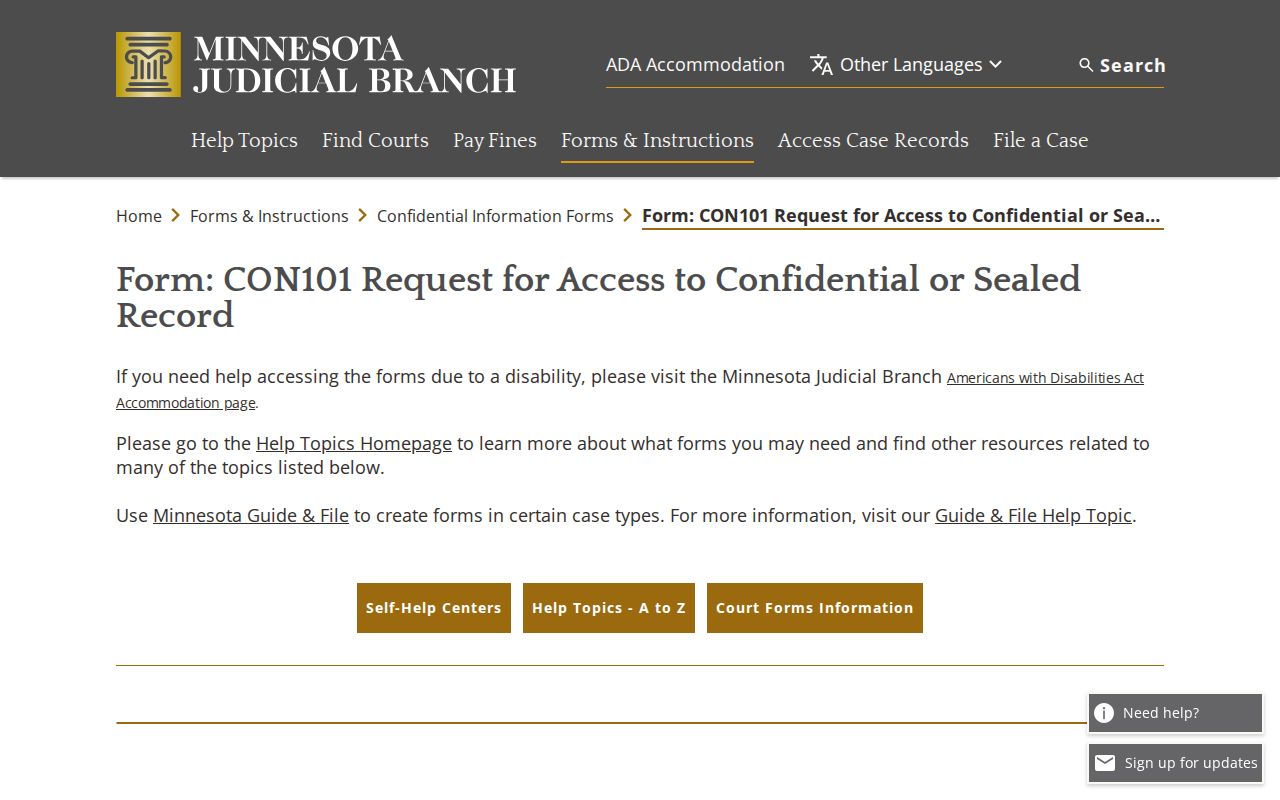
CON101 keeps a restricted Meeker County court records request inside the proper channel, with the Court Administrator and the judge. The lack of an online image is not permission to chase the file elsewhere. Note: Ask Court Administration which rule or order supports a denial, and which judicial review path fits that record.