
The Meeker County Court Calendar
The Meeker daily Court Calendar lists the courtroom hearings scheduled in Meeker County District Court. That court sits in Minnesota's Eighth Judicial District. Think of it as a snapshot of the day, not a full Register of Actions. The court itself warns that some matters are missing. Confidential cases and files that cannot be reached remotely are examples. So a line on the calendar helps you spot a hearing. But it cannot replace the case record, the notice, or a court order.
This publication pairs with Minnesota Court Records Online, or MCRO. The daily PDF gives the public schedule for one day. MCRO adds the Hearings and Case Events tied to a specific case. Read the notice first when a date matters. Then compare the calendar against the case record. If the two disagree, let Court Administration make the final call.
Meeker County Court Calendar Updates
Freshness matters with this document. The local PDF goes up at 7:00 a.m. each business day. It gets refreshed hourly. The Eighth Judicial District calendar index is one route to the Meeker edition. It is not a separate calendar database of its own, though. A PDF saved to your phone can go stale by afternoon. So open the current file instead of trusting an old download or a forwarded message with a yesterday time.
The PDF is not the only same-day source. The court says printed calendars in the public lobby and outside the courtrooms can be even more current. Once you reach the courthouse, those postings are worth a glance. MCRO still does the better job of tracing a case's hearing history. A missing name means little, since protected matters are left off the schedule entirely.
The official Minnesota jury-service information page offers guidance for court users as well.
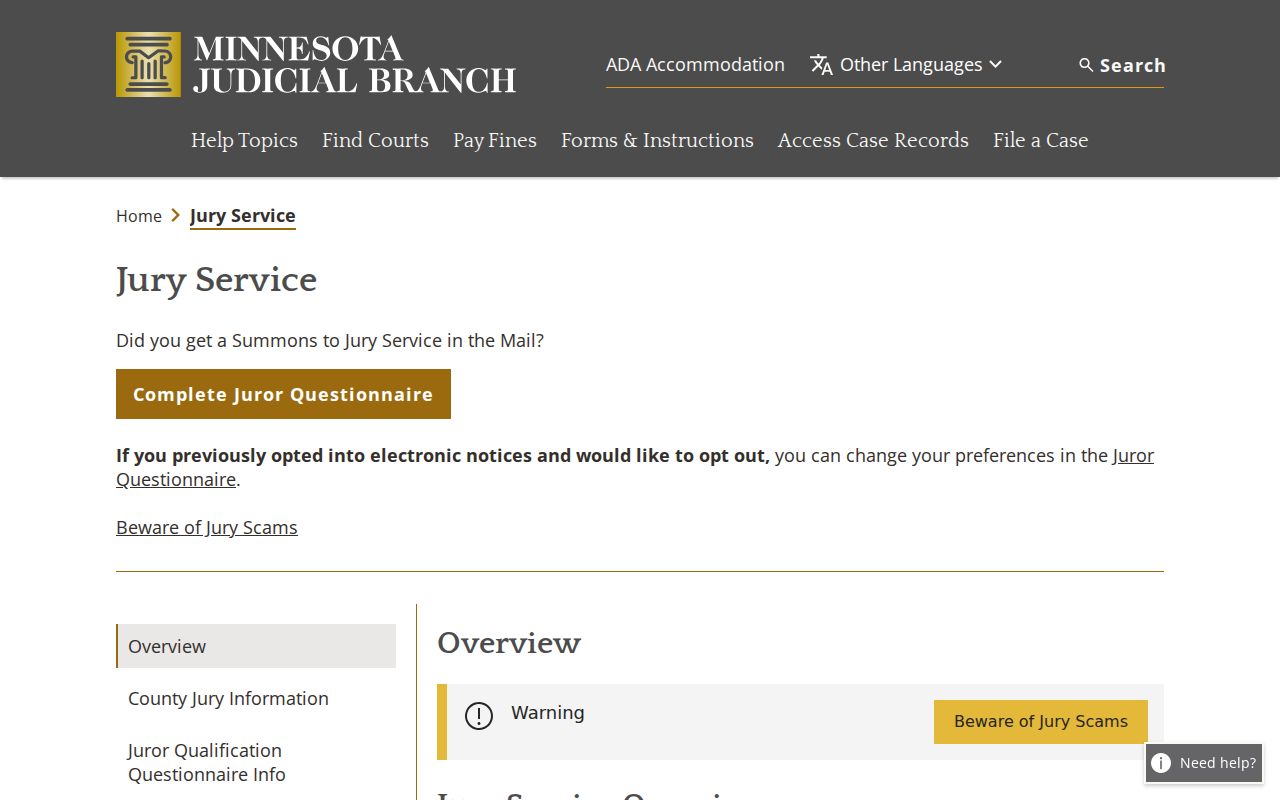
Jury details sit apart from hearing entries, yet both come from the same Judicial Branch, so read any Meeker County court calendar notice or courtroom instruction closely before acting on it.
Note: The Meeker daily PDF is only a schedule snapshot and may leave out confidential or non-remotely accessible matters, so confirm any material change through Court Administration.
How to Find Your Court Date
Start with the full case or citation number if you have it. A notice, order, summons, or citation often states the appearance date outright, along with whether you must show up in person. From there, the channels below move in a deliberate order: case-specific records first, then the local same-day schedule, then direct confirmation whenever the public information runs thin.
- Read the most recent court notice, citation, summons, or order and keep its complete case or citation number available.
- Use MCRO Case Search to open Case Details and review upcoming hearings, past hearings, and Case Events for the Meeker County case.
- Use MCRO Hearing Search when a case number is unknown, searching by name, case number, judicial officer, attorney, and an exact date or date range.
- Check the Meeker daily PDF by complete case number or a carefully verified party identifier, then read its location, date, time, judicial officer, type, and connection columns.
- For a same-day appearance, inspect the printed lobby or outside-courtroom calendar, which the local court identifies as the most current daily schedule.
- Call Meeker Court Administration at (320) 535-6015 with the case number to confirm an uncertain date, location, reset, or omitted public listing.
- Use the courthouse counter or public terminal for local inspection; when a notice or order is not visible online, request a copy by mail or, where appropriate, through Minnesota Judicial Branch eFile and eServe.
Each channel answers a different question. MCRO's case page gives the settings tied to one case. The daily PDF publishes the schedule for the day. Mail and eFS work as records-request routes for a filed notice or order. Neither replaces the public calendar. Keep the systems straight, too. Minnesota Judicial Branch eFile and eServe handles filing and service. But MCRO is the public search tool for court records.
Meeker County Court Hearing Search
MCRO Hearing Search is the better online route when you want a setting rather than the whole case file. The form accepts a name, case number, judicial officer, attorney, or date. You can also search an exact date or a range, pick case categories, and filter by court location. When that location filter appears, narrow it to Meeker. A statewide search can bury the right hearing under similar names from other counties.
Open the matching case before trusting any result. A name alone rarely pins down the right matter. Check the case number, the filing details, the status, and the court location. Then read the Hearings block and Case Events. For a date question, the latest hearing entry plus a direct confirmation beats an old calendar row every time. Remember that MCRO is a public-access layer. It does not promise that every notice or protected event appears online.
The official MCRO Hearing Search interface provides these options.
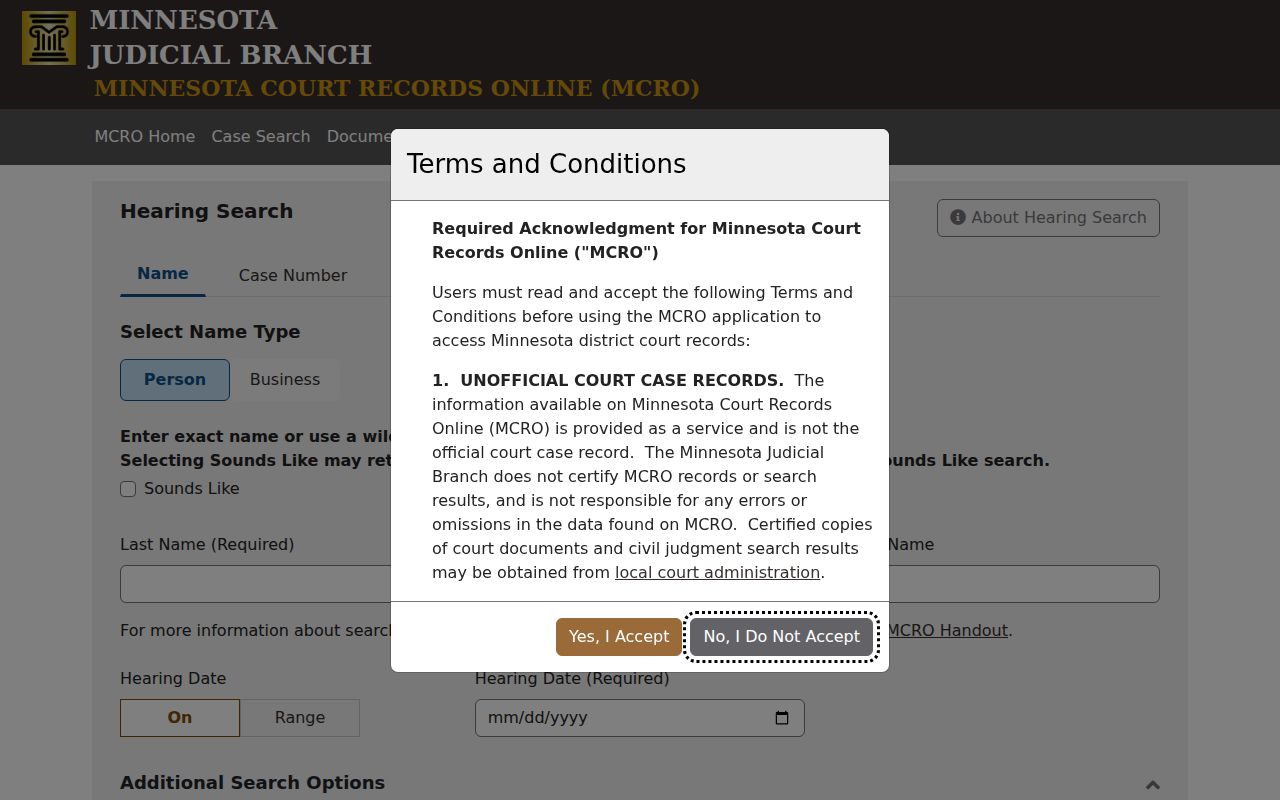
Its filters make a Meeker County court calendar search more precise once a party knows a date, a case number, or the judicial officer tied to the setting.
Reading a Court Setting
Read a Meeker setting line as a set of fields, not just a time. The daily PDF lists the party name, hearing location, date, time, judicial officer, hearing type, connection type, and case number. Recent Meeker calendars have used Courtroom 1 and Courtroom 2. The location tells you where a hearing is assigned, nothing more; it says nothing about when the matter will wrap up or how each participant must connect.
| Date | The scheduled hearing date. Compare it with the latest case notice and recent MCRO hearing entry. |
|---|---|
| Time | The scheduled time shown on the calendar. It is a setting time, not a guarantee of the length of the proceeding. |
| Courtroom | The Hearing Location field, including Courtroom 1 or Courtroom 2 in the observed Meeker calendar sample. |
| Judge | The Judicial Officer assigned or displayed for the setting. |
| Setting Type | The calendar’s hearing label, such as a motion hearing, pre-trial, jury trial, or conciliation hearing. |
| Connection Type | The displayed participant role, such as Attorney, Defendant, Petitioner, Respondent, Decedent, Plaintiff, or a person subject to guardianship or conservatorship. |
| Case Number | The Meeker court identifier that links the setting back to Case Details and the Register of Actions. |
Connection Type is just a role label. It is not a ruling, a finding, or a promise of what the hearing will hold. When an unfamiliar setting appears on a Meeker County docket, give the Court Administrator the exact case number, date, and local label, then ask what it means.
Meeker County Court Calendar Labels
Meeker County's daily calendar leans on a handful of practical hearing labels. A Probate Hearing covers probate, estate, guardianship, or conservatorship work. A Motion Hearing means someone has filed a request. The court will take it up. An Order to Show Cause Hearing tells a party to come explain an issue. The order itself identifies that issue. Small claims show up as a Conciliation Hearing. Treat these as plain-language descriptions, not substitutes for the notice or the court record in the docket.
- Pre-trial
- A case-management or readiness setting before trial.
- Court Trial
- A judge trial listed on the calendar rather than a jury trial.
- Jury Trial
- A setting for jury selection or trial proceedings.
- Settlement Conference
- A conference intended to explore resolution. It is not a final judgment.
- Default Hearing
- A hearing connected with a default request or default-judgment process.
The daily PDF defines only some labels. Many common statewide terms never appear on it. A contested revocation hearing, for example, means what its case context makes it mean. So the case notice, Case Events, and Court Administration are where you confirm the next required step, not the Meeker calendar itself.
Resets, Continuances, and Cancellations
A Meeker County setting can shift. Triggers include a continuance, reset, settlement, judicial order, emergency closure, or courtroom change. MCRO may keep the old hearing date. It may add a later one under Hearings or Case Events. The local court docket calendar offers no public field called reset. There is no county reset-code list either. So look for a later date, a later event description, an order, or an amended notice. Do not decode a label the court never defined.
Remember that a daily calendar is a publication, not an order. It refreshes on its own schedule. It may lag the Register of Actions and can omit protected matters. Weather and holiday procedures move settings too. A line vanishing from the PDF is not proof of cancellation. Check the current official closure notice, then call Court Administration if the next step stays unclear.
Note: The newest hearing or event entry beats an old calendar row. Direct confirmation from Court Administration remains the final local check.
Meeker County Court Calendar Conflicts
What if MCRO and the Meeker daily PDF show different dates for one case? Don't just pick one. The case record may list past and upcoming hearings. The daily PDF is only a time-sensitive schedule publication. The printed lobby or courtroom calendar can be more current than the web PDF. Give Court Administration the complete case number. Ask which lawful route confirms the date, location, or notice.
Confidential and non-remotely accessible matters may simply be absent from the public calendar. Rule 8 separates remote access from courthouse access. Rule 4 names the categories of judicial records closed to the public. A blank result or omitted row tells you nothing. The same goes for missing remote connection information. Those absences do not describe the case itself. Remote appearance directions are case-specific, and no permanent universal Meeker Zoom link exists for every courtroom. The official Eighth Judicial District judicial directory lists the judges who serve the district.
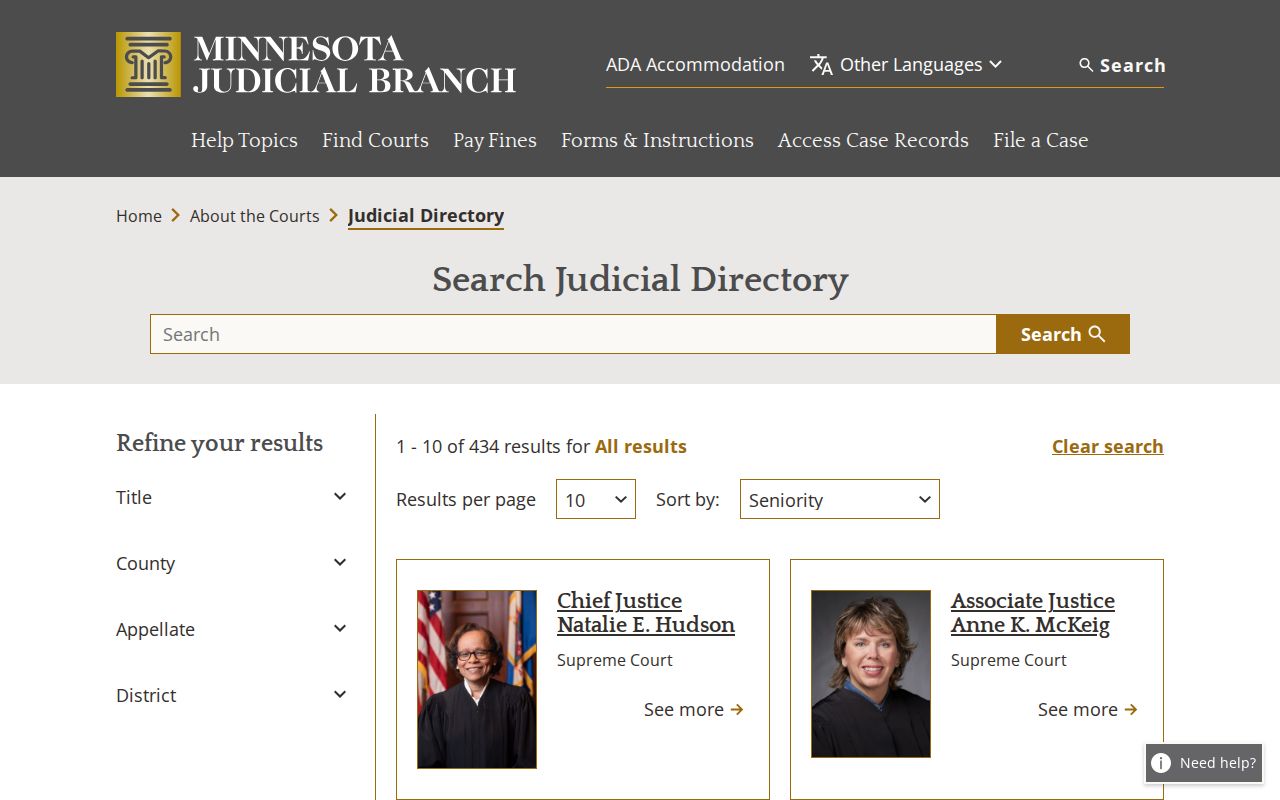
Meeker County District Court sits within the Eighth Judicial District structure. Even so, a hearing date must be confirmed in the specific Meeker case record or court calendar.
What To Do If You Miss a Setting
Act fast after missing a Meeker County court setting. Pull the complete case number from your court paperwork. Open MCRO if public information is available, and scan for a later hearing or Case Event. Then call Court Administration at (320) 535-6015. Ask how to confirm the current setting or access route. Staff can explain records and routing, though restricted content still answers to the applicable court rules and orders.
Missed a Setting? A missing calendar entry does not establish that a hearing was cancelled or that no action is required in the Meeker County case.
Use the current notice, MCRO hearing information, and Court Administration to confirm the present status instead of relying on an old PDF or an assumed reset.
For advice about obligations or appearing after a missed setting, consult a licensed attorney.
You can inspect records in person through the courthouse public-access route during regular court hours, within access limits. If the notice, order, or record you need is not public online, Court Administration can explain the copy-request or restricted-access process. A sealed or confidential item stays sealed no matter how public another calendar entry is.
Meeker County Court Setting Access
Public calendar and hearing access has firm limits. Minnesota Rules of Public Access Rule 8 governs inspection and copying. It also covers registers, calendars, and the split between remote and courthouse access. Under Rule 8, you may inspect and copy accessible records where they are kept during regular hours. Restrictions still apply. A courthouse terminal can also show a fuller public-access view than the internet display.
For a confidential or sealed case, ask Court Administration for the lawful access path. Rule 4 covers records and case types the public cannot reach. A court order can also restrict an individual file. The Minnesota Government Data baseline in Minn. Stat. §13.03 does not override judicial access rules. Nor does it override a sealing order. Any request should name the specific court record and the responsible court office.
Note: A calendar line helps you locate a hearing. The Register of Actions and any filed notice give the fuller case-specific record for that docket.