
Searching Cases by Name
The statewide Minnesota Court Records Online Case Search is the practical place to begin. It is known as MCRO. It is free to use. Set Court Locations to Select Specific County Court Locations, then pick Meeker to keep results local. The form reaches district-court cases across civil, criminal, family, probate or mental-health, and related public categories. Treat it as a locator for a public Meeker case. It is not a certified record. It will not open a restricted file held by Court Administration.
- Open MCRO, select Case Search, choose the Name tab, and set Name Type to Person or Business.
- Enter the last name and add first or middle name only when it helps separate similar results.
- Choose exact matching, a wildcard, or Sounds Like. A wildcard needs at least two characters and cannot be used with Sounds Like.
- For a common name, narrow by date of birth, date filed, category, status, and the Meeker county location.
- Press Find and use Clear before starting a different search. If the result list is too broad, add a date or category instead of assuming the first row is the right case.
- Open View Case Details and compare the case number, filing date, county, status, and category before reading the Register of Actions.
More controls sit on the public form than a simple first-and-last-name lookup. The field table mirrors the official MCRO name-search options that matter most for a Meeker County case search.
| Field Label | Type | Required | Notes |
|---|---|---|---|
| Select Name Type | Selector | Yes | Choose Person or Business before entering a name. |
| Last Name | Text | Yes for a name search | Exact matching is the default unless a wildcard is used. |
| First Name / Middle Name | Text | No | Optional narrowing fields; repeat a common-name search with and without middle name or initial. |
| Sounds Like | Checkbox | No | Broadens a name match and cannot be combined with wildcard searching. |
| Date of Birth / Date Filed | Date controls | No | Use an exact date or date range in MM/DD/YYYY format. |
| Case Category | Checkboxes | No | Civil, Criminal, Family, or Probate or Mental Health. |
| Case Status | Dropdown | No | Use the live control because the captured public page did not expose every option label. |
| Court Locations | Radio and county list | No | Select Specific County Court Locations, then choose Meeker from the alphabetized county list. |
Meeker County MCRO Search Tabs
MCRO is not just one screen. Each tab answers a different question. Case Search is the main route to a public case and its Case Details. Document Search takes a complete case number and can list accessible documents. Hearing Search hunts hearings by name, case number, judicial officer, attorney, date, category, and location. For judgment information statewide, Judgment Search is the route. Keep the limits in mind. A document search does not replace the chronological Case Events list. A hearing row does not prove a hearing took place. With a known Meeker County case number, open Case Details for the overview first. Then try Document Search for an accessible image. On a judgment question, weigh the displayed date, parties, details, and satisfaction information against the case record. Only then ask Court Administration for a certified copy. The link leads to the official MCRO site map, which lays out the full layout.
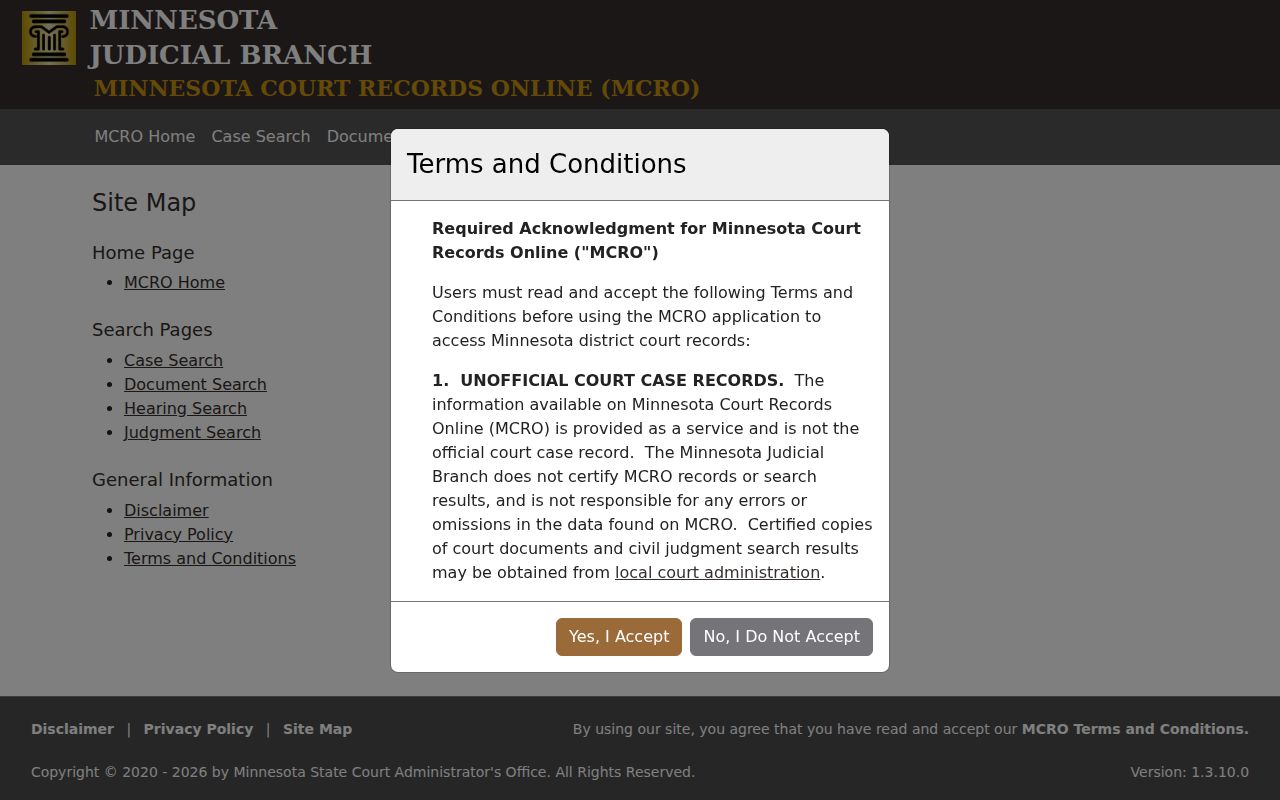
Those separate paths explain the usual rhythm of a Meeker County case search. It starts with a name or number, then shifts to a hearing, document, or judgment screen as the question sharpens.
Searching by Case Number
A complete court identifier is the most precise MCRO search. Meeker calendar examples carry a county prefix and a two-letter case-type code: 47-CR-..., 47-CV-..., 47-PR-..., 47-CO-..., 47-JV-..., and 47-VB-.... The exact sequence and any year portion vary. Always use the number printed on the official notice. Never build a Meeker number from a pattern. MCRO demands a complete number for Case Number and Citation Number searches. Dashes and leading zeros may be dropped; spaces are never allowed. An incomplete identifier triggers an error. A citation number can differ from the court case number. Search with the identifier on your paperwork, then open the result. Confirm the case number, title, court location, and status. Attorney search is a separate mode, taking an attorney name or a complete bar number. One criminal quirk matters. A defendant's name will not return a pending criminal case until conviction. So when court paperwork offers a case number, citation number, attorney, or bar number, use that identifier. Do not trust a name search to be complete.
Meeker County Case Search Limits
MCRO matches names exactly by default. Two tools loosen that grip. A wildcard asterisk can follow at least two characters. Sounds Like broadens the match, but the two cannot be combined. For a common name, run a careful Meeker County case search with and without a middle name or initial. Then narrow by a known date, category, status, or county. The location filter deserves special care, since the same statewide system pulls district-court records from other Minnesota counties too. Results cap at 200 and display newest first by default. You can switch the sort to Oldest First. A Print control sits in the results interface. If a search hits the limit, narrow it. The visible rows are not the full list. Use MCRO breadcrumbs rather than the browser Back button. Select Clear before a new search so old settings do not bleed into the next query. A case title alone does not establish a match. Compare the filing date, Meeker location, case category, and status before trusting the displayed record.
What a Case Search Returns
Click View Case Details. Then read the case header and Case Information before touching the event list. MCRO can show a case number, title, type, filing date, court location or venue, judicial officer, status, citation number, and public case flags. Beyond the header it may list parties, attorneys, and charges. Other sections include Hearings, Dispositions, Financial Information, and Case Events. The public screen does not promise every underlying paper. Exhibits, protected addresses, and confidential attachments may sit outside it.
| Case Number | The court’s primary identifier, such as an observed Meeker prefix and case-type pattern like 47-CV-.... |
|---|---|
| Style / Parties | The public case title and displayed party roles. A style is not a finding or disposition. |
| Case Type | The MCRO category, including civil, criminal, family, probate or mental health, juvenile, or traffic/violation-level matter where public. |
| Filed Date | The initial court filing date, which may differ from the underlying event date or a later document date. |
| Status | A case-level field such as Open or Closed. Read the latest disposition or judgment as well. |
| Hearings | Displayed upcoming and past hearing type, date, time, location, judicial officer, and other public connection information. |
| Case Events | Chronological record activities and document references, usually with the newest entries first. |
| Disposition / Judgment | Recorded outcome information and, where shown, judgment details or satisfaction information. A screen is not automatically a certified judgment. |
Charges, petitions, complaints, and citations are allegations or claims at filing. An Open status proves nothing about liability or guilt. Read the disposition and judgment fields alongside the surrounding Case Events to see what the court record truly shows.
Meeker County Case Event Details
Inside MCRO, the case-level timeline carries a formal name: the Register of Actions. Its event and document listing shows up as Case Events. That listing is the clearest window on how a Meeker County court docket unfolds, one public filing at a time. A single line may carry an event description. It may also show a Document Index Number and a View Document control. Context matters when you read it. Minnesota publishes no single Meeker-specific key that decodes every abbreviation. Some shorthand may stay unexplained.
- Register of Actions
- MCRO’s case-level chronological court-record register, the statewide equivalent of a docket sheet.
- Case Events
- The event and document list within Case Details.
- Document Index Number
- The event-linked number used to identify a filed document in MCRO.
- View Document
- A control that appears only when an accessible document image is available.
A register line rarely tells you everything. It names the event, not the full filed document behind it. When you want the actual record or a copy from Meeker Court Administration, cite the public event description and the document index number rather than a guess. An abbreviation you cannot explain should stay unexpanded. Treat it as an abbreviation, not a fact. And keep in mind that an MCRO image is not a certified copy of anything. It is useful, but that limit stands.
The View Document option appears only where an accessible image exists. When it is missing, the Register of Actions still tells you the event occurred. It also gives the document index number you need.
Statewide vs County Case Search
Meeker County runs no separate online case-search portal of its own. One system covers the ground. MCRO offers a statewide search and a Meeker-limited search through its Court Locations filter, so the real choice is between a broad query and the same query narrowed to Meeker County District Court. These are not two unrelated databases. They are one database at two widths. If MCRO leaves a gap, Meeker Court Administration remains the local fallback for court records.
| MCRO Statewide Search | Meeker County MCRO Search |
|---|---|
| Searches public Minnesota district-court records across available locations. | Uses Select Specific County Court Locations and the Meeker county choice in the same public interface. |
| Useful when a case may be filed outside Meeker or the county is uncertain. | Useful as the cleaner first pass for a known Meeker County case. |
| Can return more common-name results and reach the 200-result limit. | Reduces unrelated county results but does not remove public-access restrictions. |
| Offers Case, Document, Hearing, and Judgment search paths. | Shows the same public tools, with the county location used to focus the search where available. |
| Cannot certify a record or display every protected item. | For certification, older files, or an incomplete online view, use Meeker Court Administration or a courthouse terminal. |
Need a court date instead? The Meeker County court calendar posts the daily public schedule. It is not a full case search, though. Check any calendar entry against MCRO Case Details and the most recent notice before relying on it.
Meeker County Online Record Gaps
MCRO costs nothing to search, and no registration is required. Public document images are free too, whenever they exist. Free does not mean complete, however. A case may lack most of its documents online. Material filed before July 1, 2015 has very limited MCRO availability. Older paper or off-site records may take a request to Court Administration to retrieve. Legacy cases follow no single online cutoff. So an empty document list never proves the record does not exist.
Separate from the public docket, Minnesota Judicial Branch eFile and eServe serves authorized users. The system is called eFS, and it handles the filing and serving of documents. It does not replace MCRO. Registered attorneys and government users get role-based functions. They also get additional protected views that the public never sees. So an internet search should not be expected to show what a party, attorney, government user, or courthouse terminal can view.
Note: MCRO purchase phases are still developing, and public search access can change with them. Confirm the current portal terms before counting on any future cost or registration assumption.
Access and Restricted Cases
Start with Minnesota Rules of Public Access Rule 8 when you want to know what a court docket can show you. The rule governs inspection, copying, registers of actions, calendars, and remote access to judicial records. It draws a line. One side covers what you can see online; the other covers what you can see at the courthouse. Remote viewing withholds protected identifiers. These include Social Security numbers, EINs, most street addresses, phone numbers, and financial-account numbers. Evidence, trial exhibits, and some medical material are also held back from remote access.
Some records sit outside public view entirely. Rule 4 lists the case types that are not open. A judge's order can restrict an individual case on top of that. Juvenile cases carry their own limits under Minn. Stat. §260C.171. For expunged or sealed matters, the court file and the current order control access. Minn. Stat. Chapter 609A supplies the framework. One caution: a case that never appears in search results tells you nothing about why it is missing.
There are lawful routes for people with standing. A party in a confidential but non-sealed case may verify identity through Court Administration. A nonparty seeking confidential material, or anyone seeking a sealed record, must follow the proper access procedure. The statewide CON101 request form and its supporting order process apply where required. A public case search never bypasses a restriction.
Meeker County Court Search Fallback
A Meeker County case search sometimes comes up empty even when a public record exists. Check your spelling first, then name variants, county selection, and the case category. Enter the full case or citation number with no spaces. If that fails, try the Meeker daily calendar to find a scheduled hearing. From there, call Court Administration at (320) 535-6015. Or use the public terminal at the courthouse. A written copy or access request works too. Staff can point you to the right office and route. They cannot read restricted content over the phone.
The office that keeps the court record is Meeker County District Court Administration. It is not the Sheriff and not city police. Those agencies help only when a citation or complaint identifier is missing. They do not hold the court's Register of Actions. A written request works well for a record that is older, off-site, certified, or simply not online. For a protected record, use the form-and-order route. A general request aimed at sidestepping court rules will not do.
Ordinary government data follows a different law. Minn. Stat. §13.03 sets the Minnesota baseline for inspection and copying of administrative data. Court records answer to the judicial public-access rules instead. Keeping that distinction clear keeps a Meeker County case search pointed at the right record. It also keeps you at the office authorized to provide it.